Unofficial Android port
Nuclear for Android
The free, open-source music player with no ads or tracking, now on your phone. Search any artist, album or song, build a queue and keep listening with the screen off.
An independent fork of nukeop/nuclear, not affiliated with the original project.
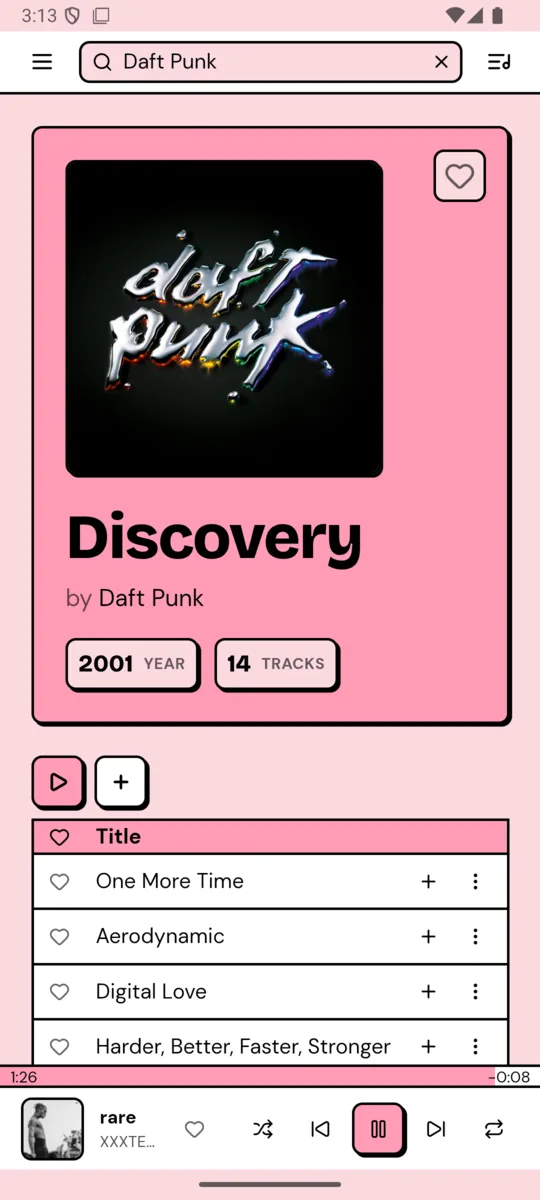
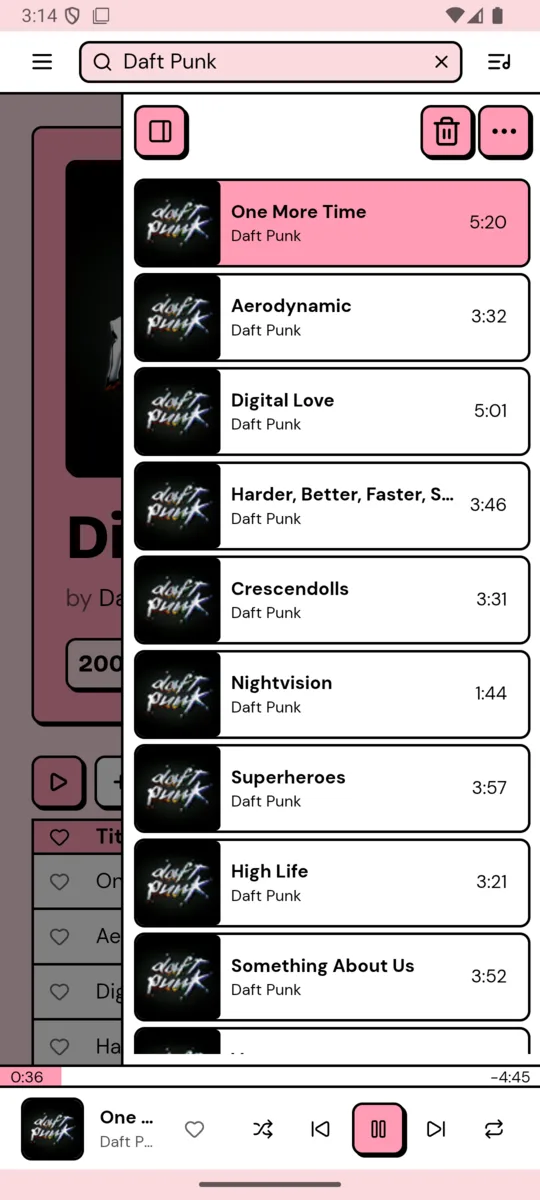
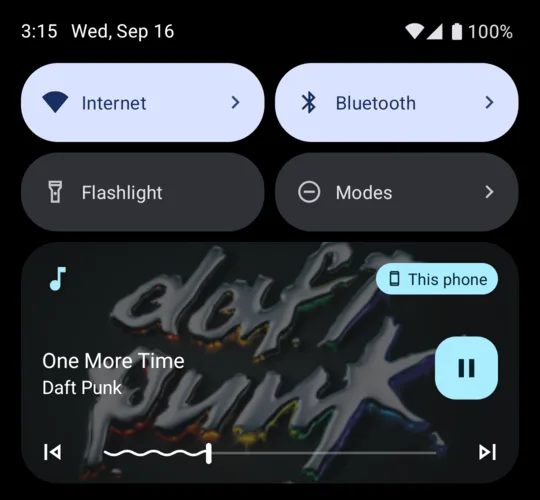
- Free
- Open source (AGPL-3.0)
- No ads
- No tracking
- No subscription
Not just the desktop app on a small screen
Nuclear only shipped for Windows, macOS and Linux. Getting it onto a phone meant rewriting the parts Android can’t run, and fixing a few things the desktop app gets wrong along the way.
Background playback
Lock the screen and the music keeps going. Media notification, lock-screen controls and headset buttons all work.
Plays the right song
Uploads whose length doesn’t match the track (full EPs, compilations, documentaries) are thrown out instead of played.
Stream verification
If Nuclear still picks the wrong upload, mark the right one from the queue and it will play that one from then on.
YouTube without yt-dlp
Android can’t run downloaded binaries, so search goes through rustypipe and streams come straight from YouTube’s player API.
Near-instant skips
The next track is resolved about 15 seconds before the current one ends. Tracks that fail are skipped, three at most in a row.
Built for a phone
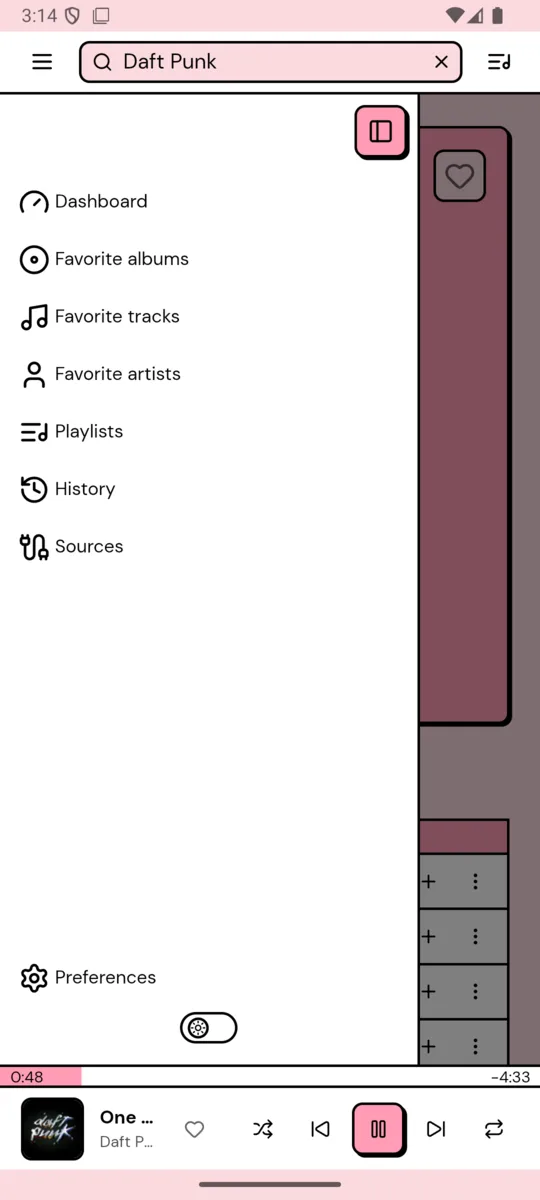
Compact layout under 640 px, navigation and queue in drawers, readable track lists, the Android back button and system bars handled natively.
Small download
The release APK weighs about 23 MB. The first debug builds of the port were around 650 MB.
Same plugins as desktop
Spotify for metadata, NuclearTube (YouTube), SoundCloud, Bandcamp and KHInsider for streaming, all installed from the built-in plugin store.
Smarter stream matching than the original
When you hit play, Nuclear asks the streaming plugin for candidates and plays the best one. On desktop that ranking only reorders results, so a long upload can win just because it’s the top hit. This port rejects candidates that are far too long for the track, estimates the length when the album page doesn’t provide it, and scales the tolerance with the track rather than with the candidate.
Screenshots
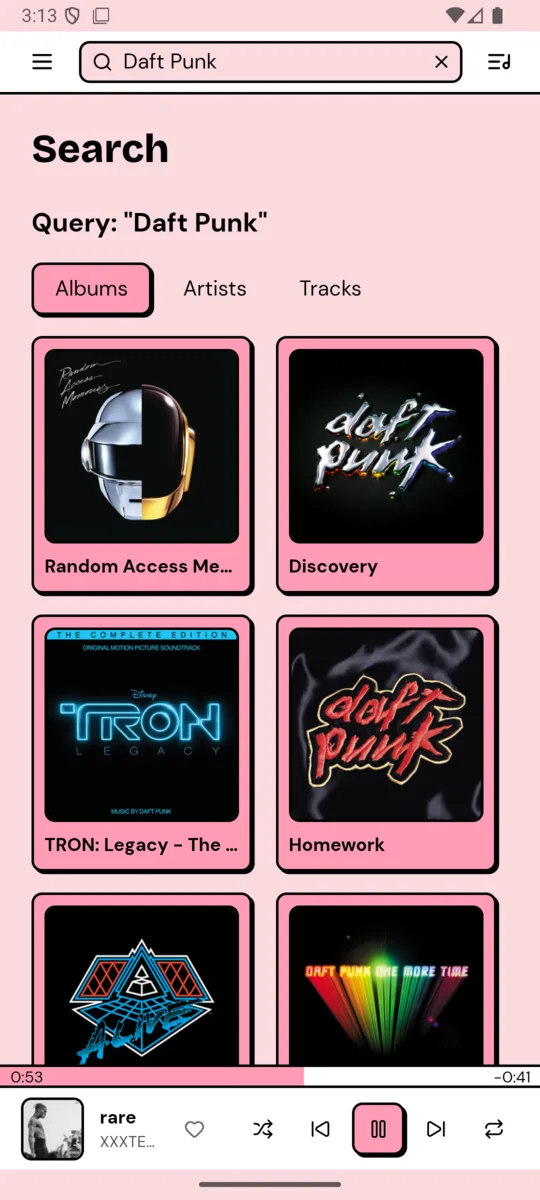
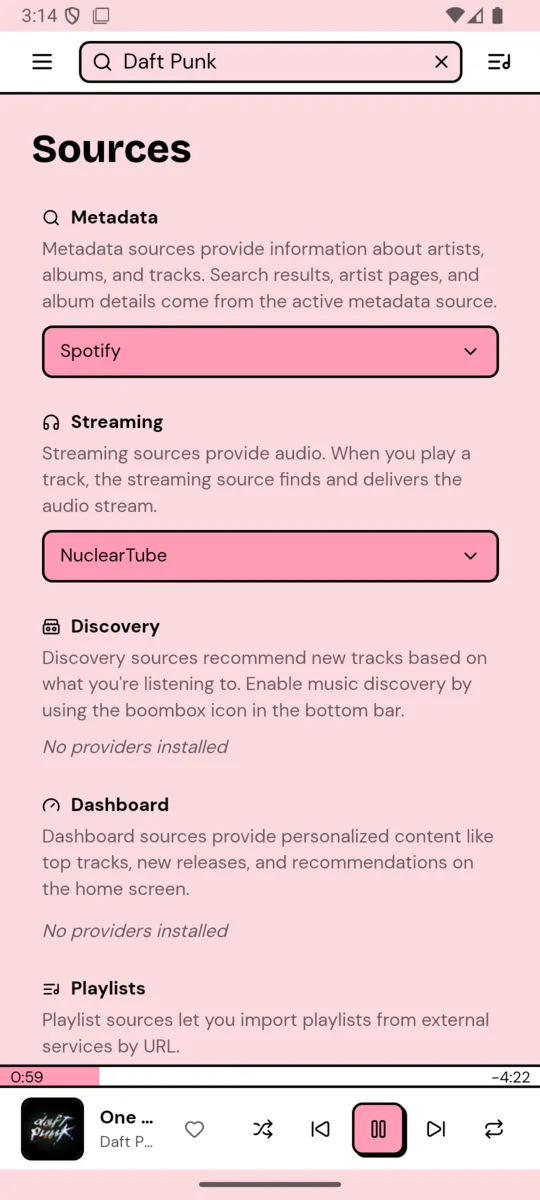
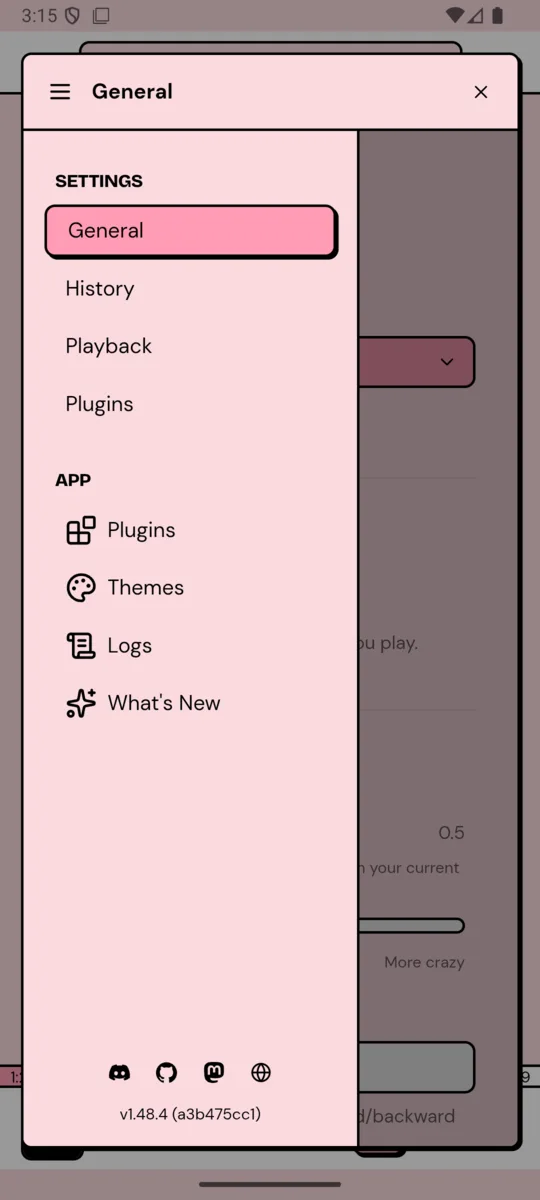
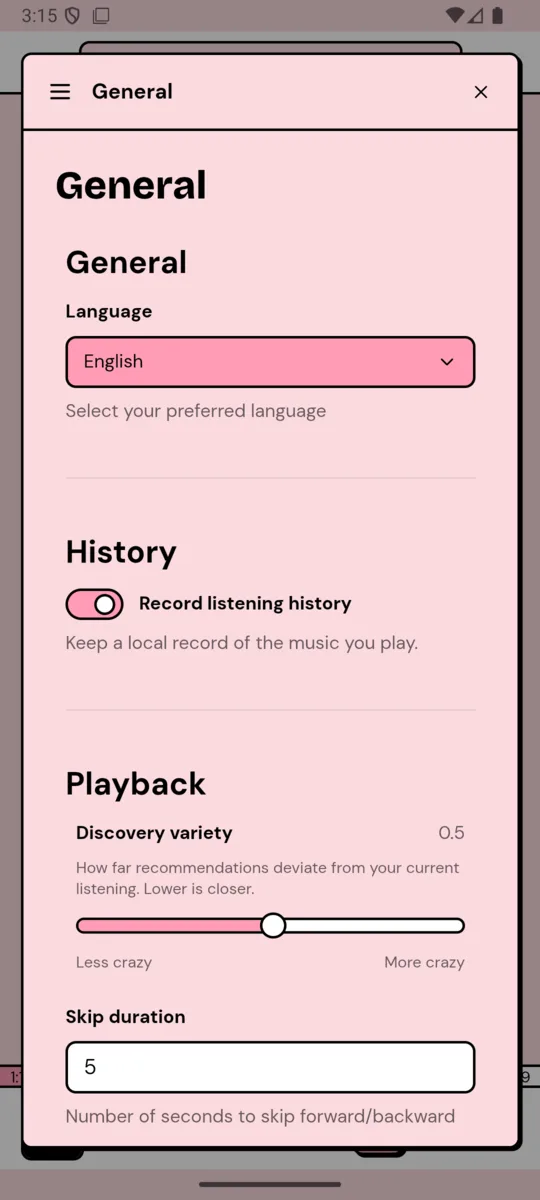
Taken on Android with Spotify as the metadata source and NuclearTube for streaming.
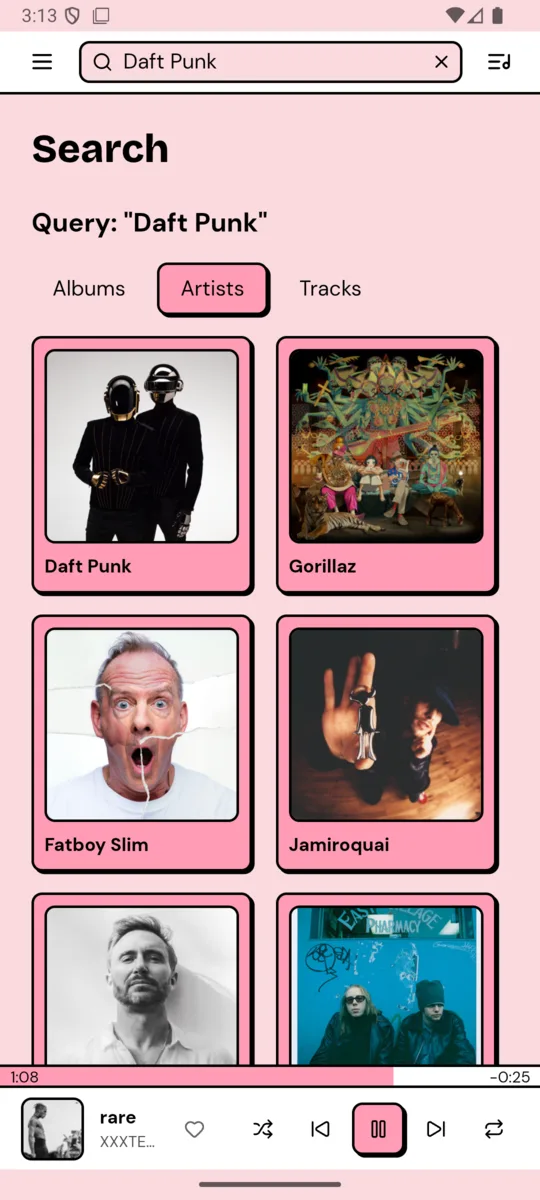
Install and set up
Nuclear has no music sources built in: everything comes from plugins, so a fresh install shows an empty dashboard. This combination is the one tested most on Android.
- Download the APK, open it and allow installing from this source when Android asks. On first launch, grant the notification permission so the playback controls show up.
- Open ☰ → Preferences → Plugins → Store and install Spotify and NuclearTube.
- Go to ☰ → Sources and set Metadata = Spotify and Streaming = NuclearTube.
- Search for something and press play.
Spotify is only used for metadata: artist, album and track data, including durations, which the stream filter relies on to pick the right upload.
Download APK · 22 MBWill it run on my phone?
Almost certainly, if it was sold after 2017: nearly every phone since then is 64-bit ARM. Tested on an Android 16 emulator and a physical Android 13 phone.
- Minimum Android
- Android 7.0 Nougat (API 24)
- Target Android
- Android 16 (API 36)
- CPU
arm64-v8aonly (64-bit ARM)- Not supported
- 32-bit ARM, x86 / x86_64 (most Chromebooks and Intel tablets)
- WebView
- An up-to-date Android System WebView or Chrome
- Permissions
- Internet and notifications
On Android 7–9, update Android System WebView from the Play Store before installing. An old WebView is the most likely cause of problems on older phones.
Known limitations
- Cold starts can occasionally hang. A boot watchdog restarts the app on its own, and the latest release fixed the main cause.
- YouTube playlists can’t be imported (the
youtube-playlistsplugin doesn’t work on Android). - Google may throttle YouTube after many skips in a short time. It clears up after a few minutes.
- Desktop-only features are left out: MCP server, MPD server, local HTTP API, Discord Rich Presence and auto-updates.
Frequently asked questions
Is this the official Nuclear app for Android?
No. Nuclear’s developers only publish desktop builds. This is an unofficial fork by Eloy Alonso that ports the same app to Android. All credit for Nuclear itself goes to nukeop and its contributors.
Is it free?
Yes. It’s free and open source under the AGPL-3.0 license, like the original. No ads, no subscription and no in-app purchases.
Is it on Google Play?
No. For now it’s distributed as an APK on the GitHub releases page, which is also where you get updates.
Where does the music come from?
Nuclear doesn’t host any music. It searches services such as YouTube, SoundCloud or Bandcamp through plugins and plays what they return, the same way the desktop version does.
Why does Android warn me when I install it?
Android warns about any app installed from outside the Play Store. Allow installs from your browser or file manager when asked. The APK is signed with a development key: if a future release changes the signature, you’ll have to uninstall the old version first, which erases the app’s data.
Does it work on Android TV, tablets or Chromebooks?
Android TV boxes and tablets with a 64-bit ARM chip can install it, but there’s no dedicated layout for them. Most Chromebooks and Intel tablets use x86 processors and won’t install it.
I use Windows, macOS or Linux. Is this for me?
No, use the official Nuclear releases. This fork only adds the Android build.
Where do I report a bug?
In this fork’s issues, not in the original project: its developers don’t maintain the Android version.
About the port
Nuclear is a Tauri app: React and TypeScript for the interface, Rust underneath, with audio playing inside the WebView. The port keeps that architecture and swaps out what Android can’t run: yt-dlp, the default TLS verifier (it made every HTTPS request from Rust hang) and the desktop-only integrations. Background playback is a small Kotlin plugin with a MediaSession and a foreground service. The 691 desktop tests still pass.
Give it a try
It’s free, it’s small, and if something breaks, the issues page is open.